One Shot
Shooter · Sniper · Mecha
Lock onto enemy weak points through your scope and defend the flagship.
Quick answers
What is One Shot?
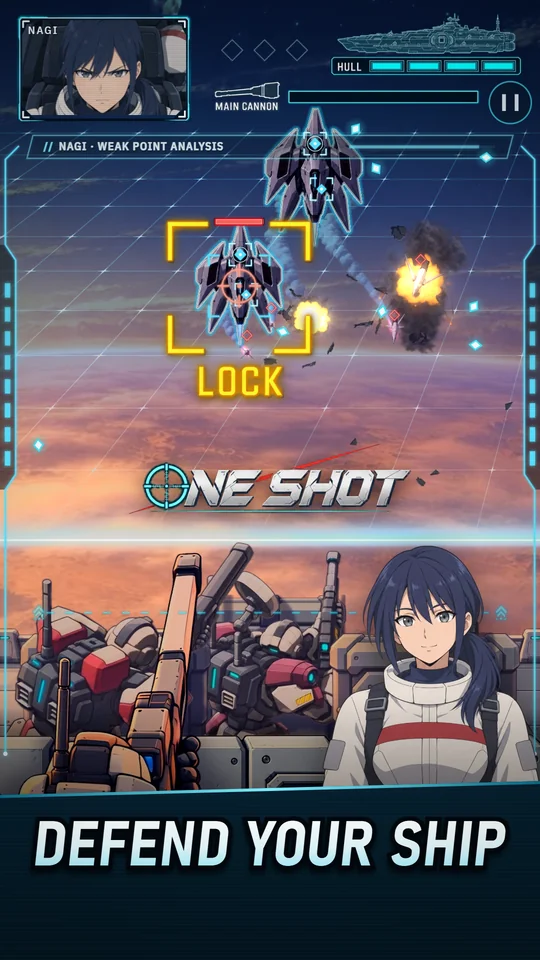
A free anime-style sniper game with a vertical screen, played in the browser. As the pilot NAGI you protect your mothership from drones, missiles and enemy mechs while its main gun charges to sink an enemy battleship.
How do I play One Shot?
Press and drag to aim, and let go to fire. With a mouse, hold the left button to zoom, move to aim and release to fire. At the recommended rail gun level, a shot kills a drone or missile in one hit. It pierces up to 3 targets in a line.
Is One Shot free to play?
Yes. It is free to play, with no energy limit, and nothing in the game charges you. On a computer, ad banners may appear beside the game.
Does One Shot work on mobile?
Yes. A phone in portrait shows the game full screen with touch controls, and a computer shows the same vertical board with mouse controls. It needs a browser with WebGL.
Open the game: game.yumeinteractive.ai/one-shot/
About
One Shot is a free anime mecha sniper game for your browser. Guard your mothership from drones and missiles until its main gun can sink the enemy battleship. On-screen text is Korean.
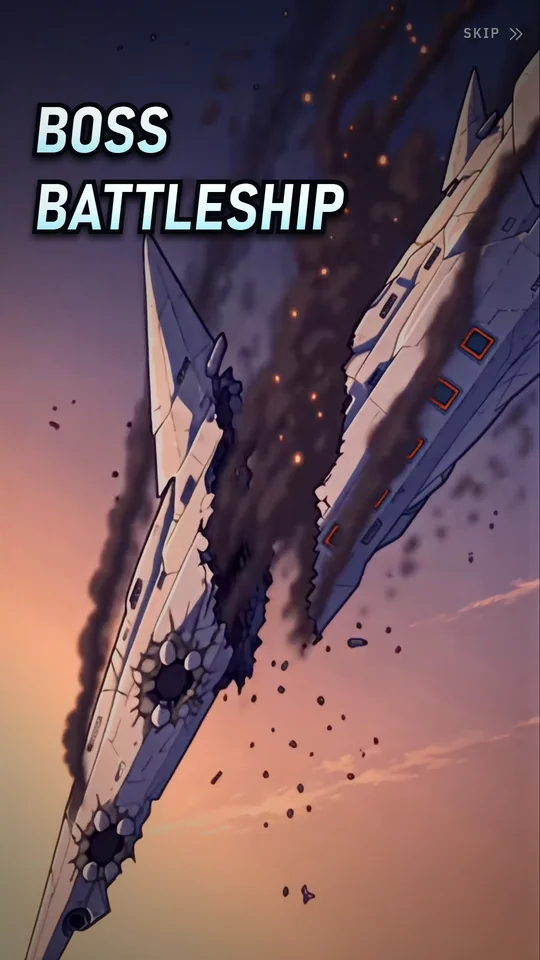
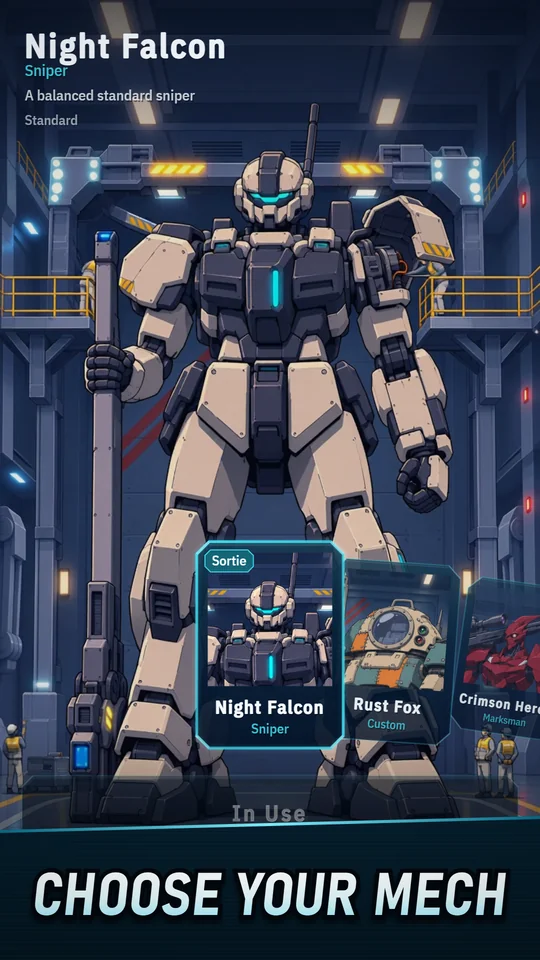
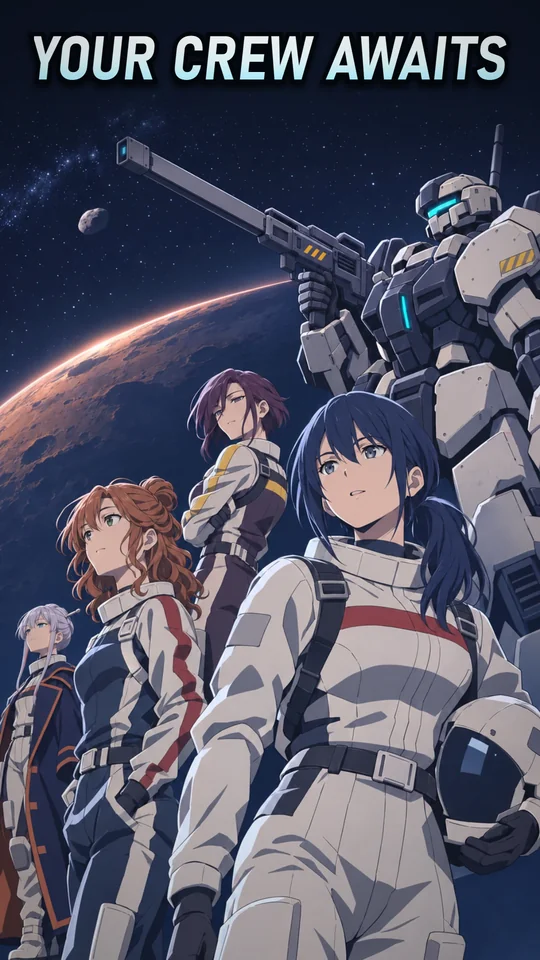
NAGI stands on the deck of her mothership in a mech with a sniper rail gun. Only the main gun can sink the enemy battleship, so her job is to keep drones and missiles off the ship until it fires.
Language: the game is in Korean
One Shot's menus, briefing and subtitles are in Korean, and the voices are Japanese. Some fixed labels such as WARNING, INCOMING, MAIN GUN and HEADSHOT are in English. There are no English or Chinese subtitles, and no Japanese menus. This page explains the game in your language and gives the Korean names of the menus so you can find them.
How a run goes
A first visit goes straight from the briefing into battle. A run has a set order: a drone phase, a WARNING, then three missile waves, each ending with a main gun shot at the enemy battleship. The third shot sinks it, a video plays and the result screen follows. The game's notes put a run at about four minutes.
You can't shoot the battleship yourself. Your ship has 1,500 hull points, shown as four cells. Missiles, drones and enemy mechs damage it, and at zero you lose. A missed weak-point shot only deflects; the damage comes if the weak-point window runs out.
Controls
- Touch: Press anywhere, drag like a touchpad to move the aim, and lift to fire. A second finger is ignored.
- Mouse: Hold the left button to zoom in, move to aim and release to fire. Right-click while holding cancels the shot. A short click fires a quick shot with less zoom.
- Keys: 1, 2 and 3 pick a card. Space, Enter or Esc skip the sinking video.
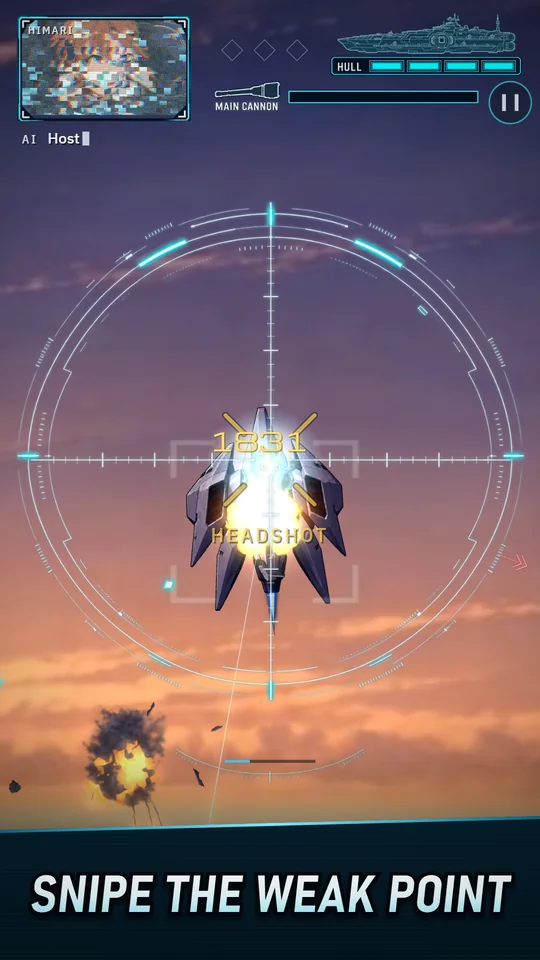
- Weak point: An enemy mech rises close and opens its armor. For 3.4 seconds a WEAK POINT mark shows on its head and an indicator swings across a gauge. Fire while it is in the yellow zone for a headshot kill. If time runs out, it fires at your ship.
Operations and upgrades
There are five operations, shown as OPERATION 01 to 05. Winning one opens the next. Later ones pay more, up to 1.8 times the chips, and bring more enemy mechs: 5 in the first and 11 in the fifth. All five use the same background and briefing. Each operation awards up to three stars: clear it, finish with at least 50% hull, finish with at least 80% hull.
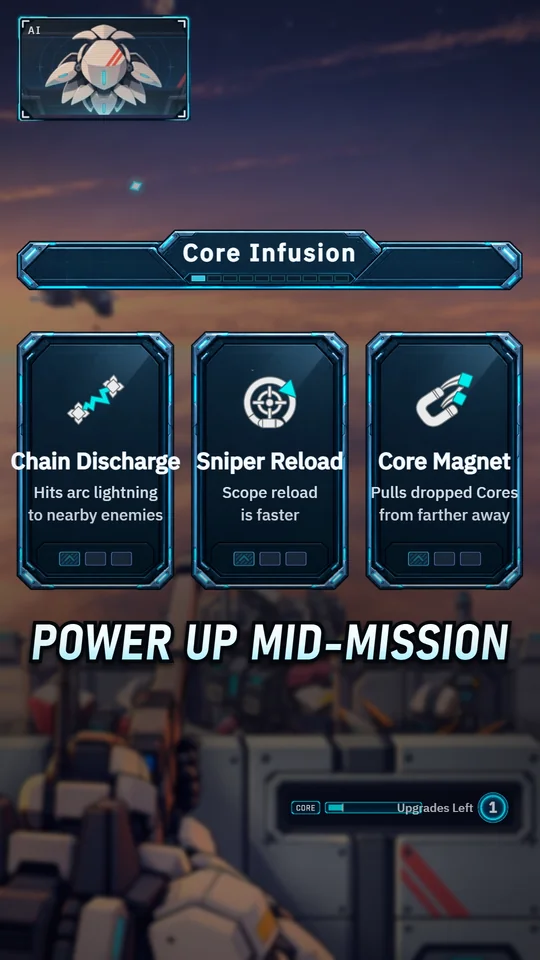
- Cores and cards: Kills give cores that fill the CORE gauge. A full gauge lets you pick 1 of 3 cards for this run, such as more piercing, faster reload or emergency repair. Time stops while you choose.
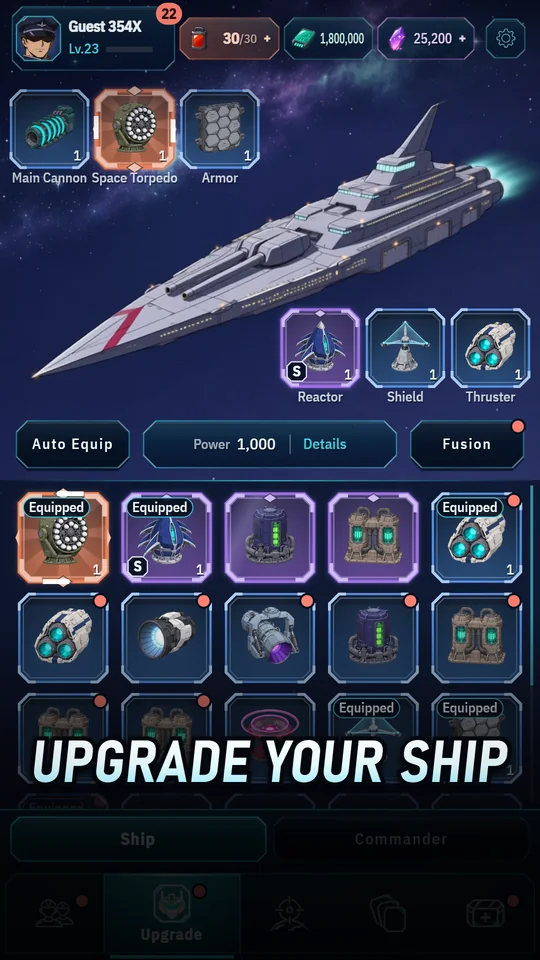
- Chips and upgrades: Chips stay between runs. In the upgrade menu (강화) you spend them on five lines: rail gun power up to level 10, and sniper reload, armor, core recovery and main gun charge up to level 5.
- Pilot level: Wins give 20 XP and losses 10 XP, up to level 99. Level-ups pay chips.
- Settings (설정): Music, effects and voice volume, aim assist from off to strong, and a save reset.
Characters and setting
The story takes place around an allied mothership, HMS-04, under a protocol called BLACKOUT that sends air defense power to the main gun and leaves the ship undefended. The ship's AI's final debrief places it over Mars.
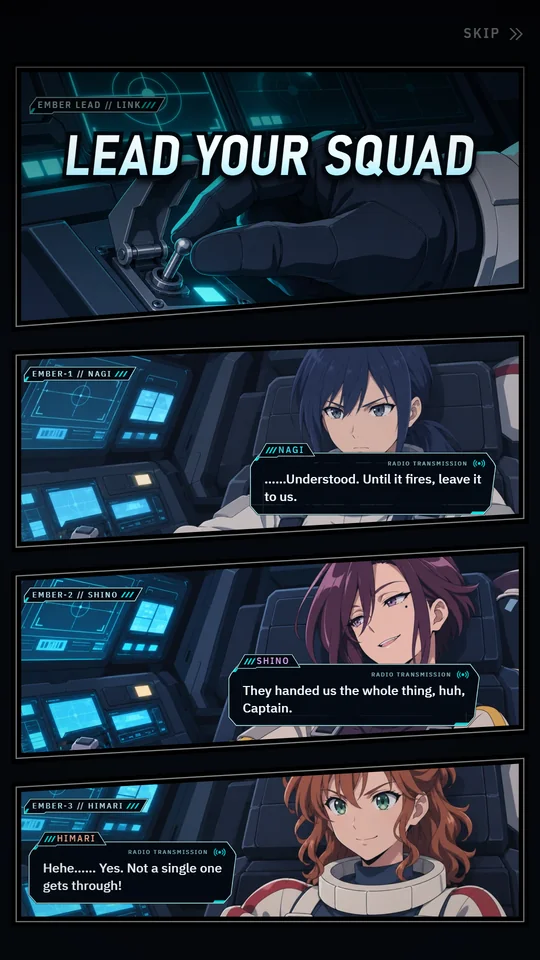
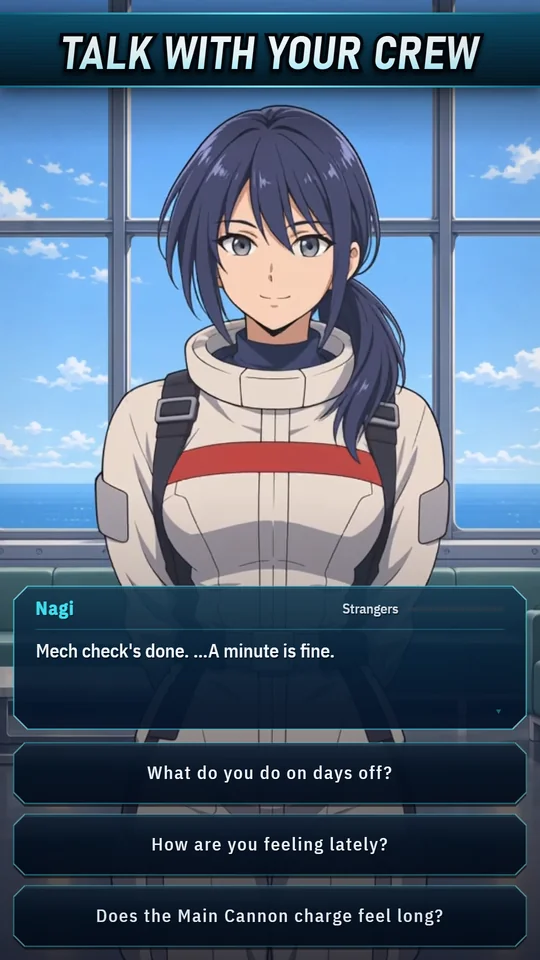
- NAGI: The pilot you play, callsign EMBER-3. Speaks tersely.
- HIMARI: A junior wing pilot in the same type of mech. She fires automatically and calls you senior.
- Ship AI: The mothership's fire-control voice, which reports facts only.
Tips for your first runs
- Line up missiles. One shot pierces up to 3 targets, though later targets take less damage until you upgrade.
- Go for an enemy mech's head: one shot, against four to the body. A headshot during its 3.6-second beam charge stops the beam.
- Don't rush after a miss. Reload takes 0.9 seconds, and releasing during it fires as soon as it finishes.
- Your own kills collect cores automatically. Only cores from HIMARI's kills fall and need your reticle.
- Check the recommended rail gun level for each operation: 0, 2, 4, 6 and 8.
- A loss still pays chips and XP, and the result screen has a direct button to upgrades.
- Touch starts with stronger aim assist than mouse. Change it in Settings.
Devices and price
One Shot runs in a browser with WebGL on phones, tablets and computers. Phones in portrait are full screen; a computer or wide window shows a centered vertical board. Touch devices are capped at 30 frames per second by default.
It is free, and nothing in the game charges you. Progress is saved only in this browser, so clearing it or changing device starts over.
Frequently asked questions
Which languages does the game support?
Menus and subtitles are in Korean only, and voices are in Japanese. There are no English or Chinese subtitles.
Can I shoot the enemy battleship?
No. Your mothership's main gun hits it three times. Your job is to keep the ship alive until then.
What are chips and cores?
Cores are for the current run and fill the gauge for cards. Chips stay between runs and buy upgrades.
Why is there no sound at first?
Browsers need a first tap or click before playing audio, and the game asks for one.
Does my progress carry over to other devices?
No. It is stored in this browser. Clearing browser data or using the save reset loses it.